
Remove and Replace All Characters in Microsoft Excel using VBA
The following FindandReplace() funciton allows you to replace or remove specific text and characters you want in Microsoft Excel. Just copy...

The following FindandReplace() funciton allows you to replace or remove specific text and characters you want in Microsoft Excel. Just copy...

The following function below allows you to get the number of visible rows from a filtered sets of rows in Excel using VBA. The function t...

You might be working on a project where you need to filter sets of data and create a raw data of that filtered sets of data to a new shee...

The following function allows you to get the Address of each visible rows from a filtered sets of data in Excel using VBA. [ VBA ] Dim Fi...

In Microsoft Excel, you can suppress the message warning and alerts especially when you try to create a copy of a worksheet from a workbook ...
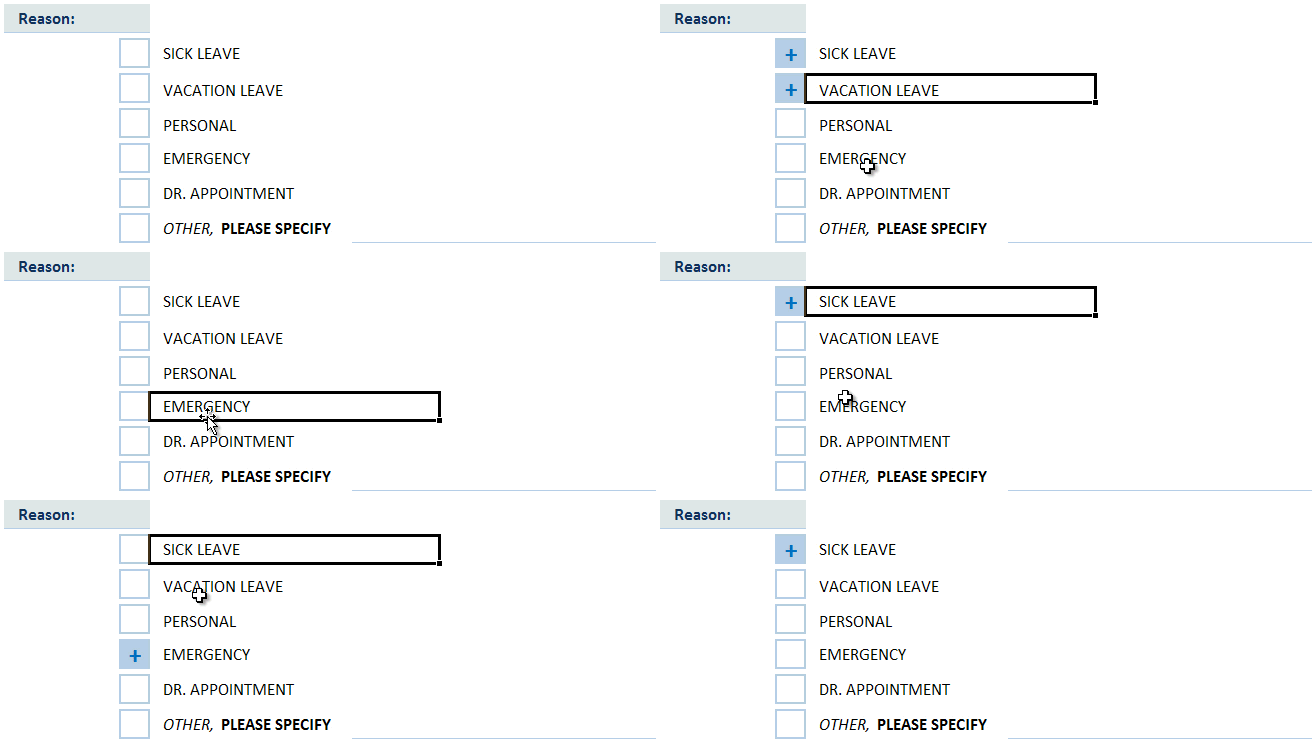
You might be creating templates with Microsoft Excel, and one of the feature you want is add a check boxes control where users can choose th...

Named Ranges in Excel enable you to give one, or a group of cells a name other than the default B4 for a single cell, or B2:E20 for a range ...

I'll be showing you an example on how to Scrape Data from a Website into Excel Worksheet using VBA. We'll be scraping data from www(...

If you're working on a project or having a numerous reports in excel to be sent out to your boss or clients. And what you usually do is ...

Some Excel functions may apply to specific subject areas, while others are general and can be applied to all needs. The following shows a li...

Some Excel VBA developers are protecting their codes and modules with password in order not to let others view the content of their project....

Now, for those who don't know yet How to Set a Password on your VBA Project in Excel. The guide below might be of help to you. 1. On the...

While most macros are harmless and helpful when it comes to automating repetitive tasks. It also poses a security risks if it's coded wi...

By default, the Developer Tab is not shown on the Microsoft Excel's Ribbon. In order to show the Developer tab, Go to the File Menu and ...

This Ultimate Excel Calendar Template allows user, company or any organization to create their own calendars. The template was created in VB...

In this example we'll be using three excel functions such as IFERROR , IF and VLOOKUP functions. =IFERROR(IF(G3="","...

The following example will give you an idea on how to use VLOOKUP in Microsoft Excel. If you're working with an excel database and want ...